Initial Review Submission
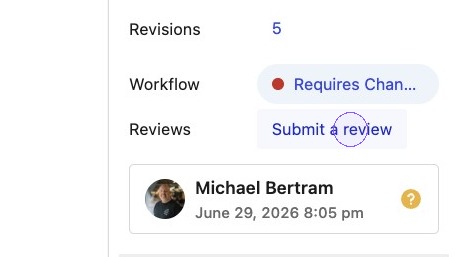
1. From within the post sidebar, click to Submit a review.
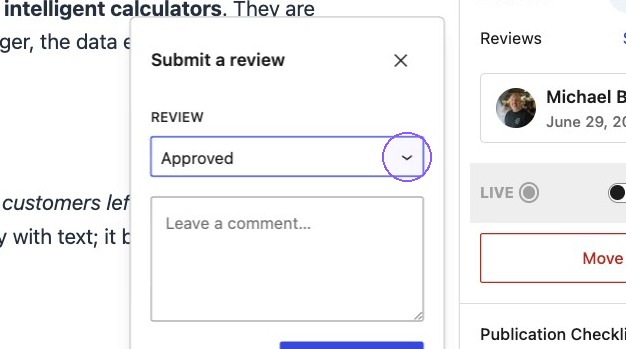
2. A modal will appear where you can select the review type, from the drop down.
3. Once you have selected the type and written a comment, simply select Submit Review.
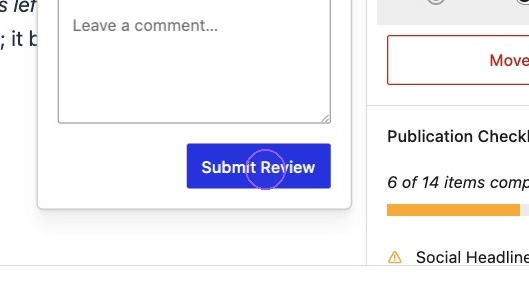

Please Note: When selecting requires changes, a comment MUST be left.
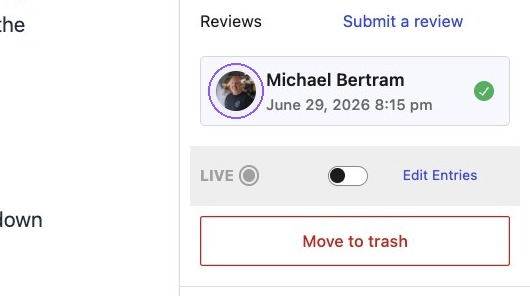
4. Once the Review or Approval has been submitted this will show in the Reviews section of the post sidebar. It will show the users name and date/timestamp. A Review will have an amber question mark icon, an Approval will have a green tick mark icon. If enabled, the workflow status will also be updated in the side bar.
Adding additional feedback
5. If multiple reviews and/or approvals are left by the same user, the icon for the most recent action will show against their name in the sidebar. When clicked, a modal will open showing all reviews and approvals in a thread.