Getting Started

1. Enable the fields module in the MediaPress settings.
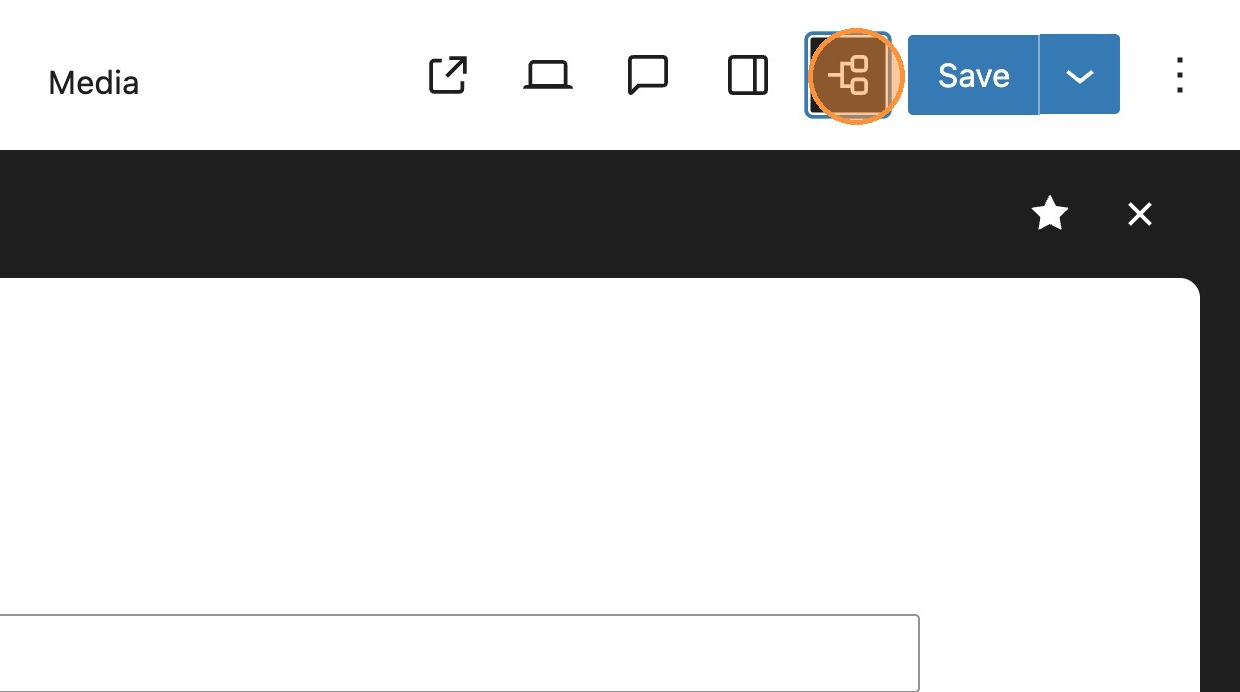

2. Within the top toolbar of your post you will now see the fields icon.
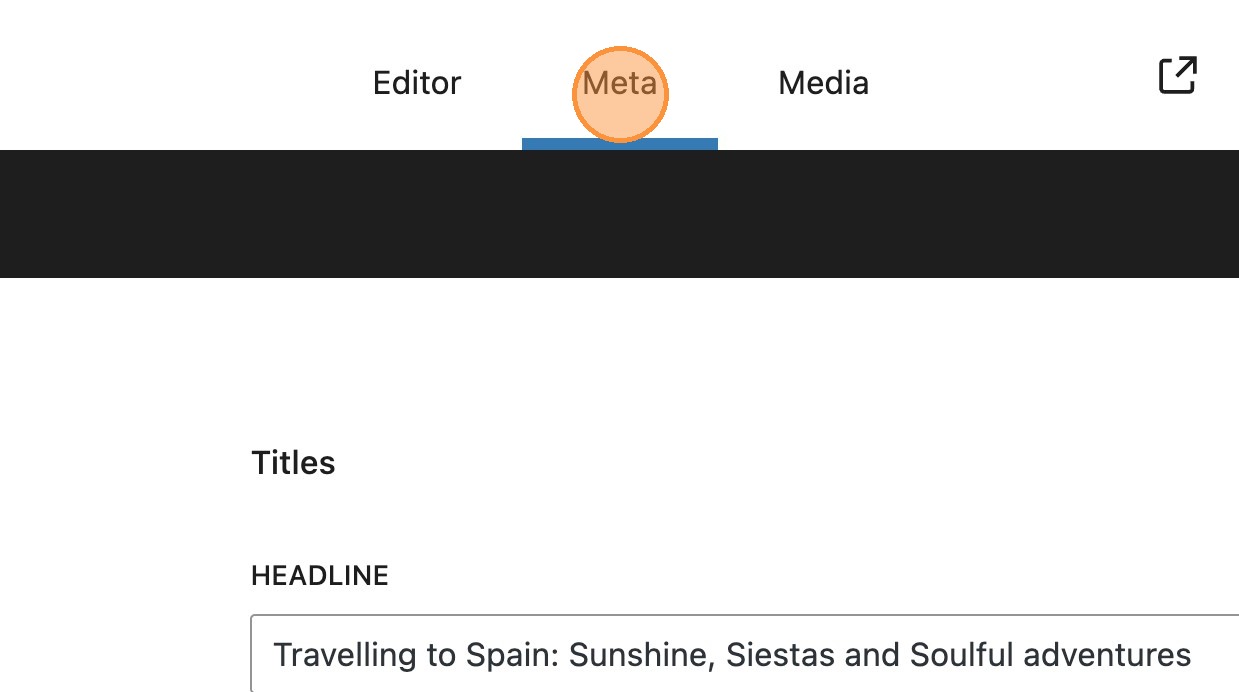
3. If you have the editor tabs module enabled, then you will also see a Meta tab. The meta panel can be accessed via either of these options.

4. On the left-hand side you will see a menu containing the different areas with enhanced meta fields. Please find below a brief overview of what you can expect to find in each section.

Note: this guide assumes all MediaPress functionality is enabled, if your fields do not match the below it may be that your site is not yet configured for every option.
- DAM – If you are using a digital asset manager (DAM) this section allows you to specify image tags to sync between your DAM and WordPress. You can read more about this here
- Titles – this allows you to add enriched content alongside your headline including a short headline, a standfirst and an excerpt.
- SEO – Contains a number of SEO meta fields which can be used to strengthen your post’s search performance.
- Status – Allows you to add different flags to your post to call out urgency and stories of particular interest such as breaking news.
- Taxonomies – An alternative view to set your categories, assign a primary category and add tags.
- Author Byline – A new way to attribute authorship of a post, allowing support for guest authors and other users who may not have a WordPress account. You can read more about this here

Within the meta panel you can add the relevant meta fields for your post. Lets have a look at titles as an example.
5. The post headline field will inherit the post title by default. In our example, we’ve also added a short headline, a standfirst and an excerpt.

6. On closing the meta panel, you will see any relevant changes in the editor, for example the excerpt.
7. Within the editor, available fields can be edited and these changes will reflect back in the meta panel. As you can see below, making changes to the excerpt.
8. Along with some of the other meta fields, such as categories and author.


9. Once saved, these will be visible when returning to the meta panel.

10. Within the SEO fields, you will notice some validation is included. These character flags, help make sure that content is optimised correctly.

11. As the headline is entered the character count will increase as the content reaches the 50 character minimum. This is also the same for the description with a 155 character minimum.