Getting Started
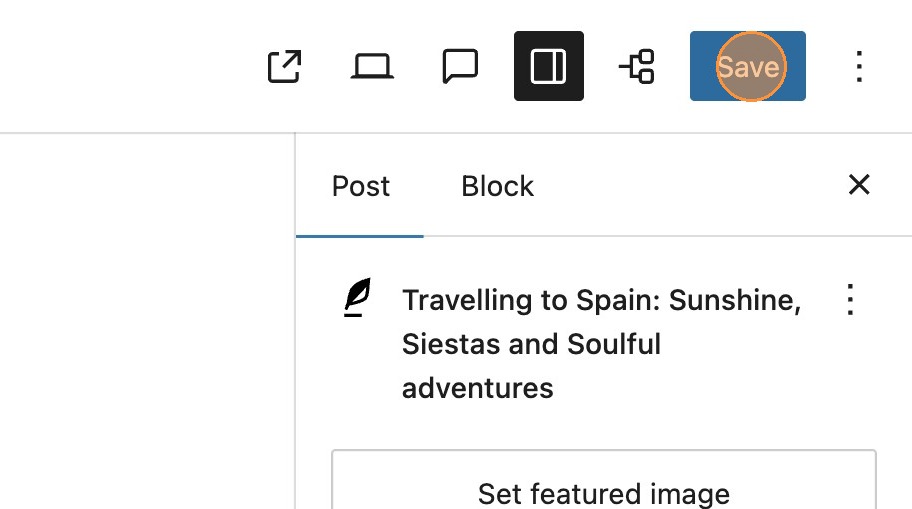

1. On a standard post, when making changes to a published post, you will see the Save button in the toolbar. This will immediately save and publish any changes that you have made to the post.

In some instances it may be necessary to make some changes that you wish to schedule to publish at a certain date or time. In this instance MediaPress Workflow or Save without Publish, is perfect. Lets take a look at the feature.

2. Enable the module in the MediaPress settings.
3. Make the necessary changes to the post content. These will be the changes that inevitebly get published on your post once you have scheduled the changes.

4. Now that the feature is enabled, you will see the option to save without publish. You will be given the option to add a name for the unpublished edit. Click create.

5. You can now choose a date and time for the changes to publish, and select to schedule.
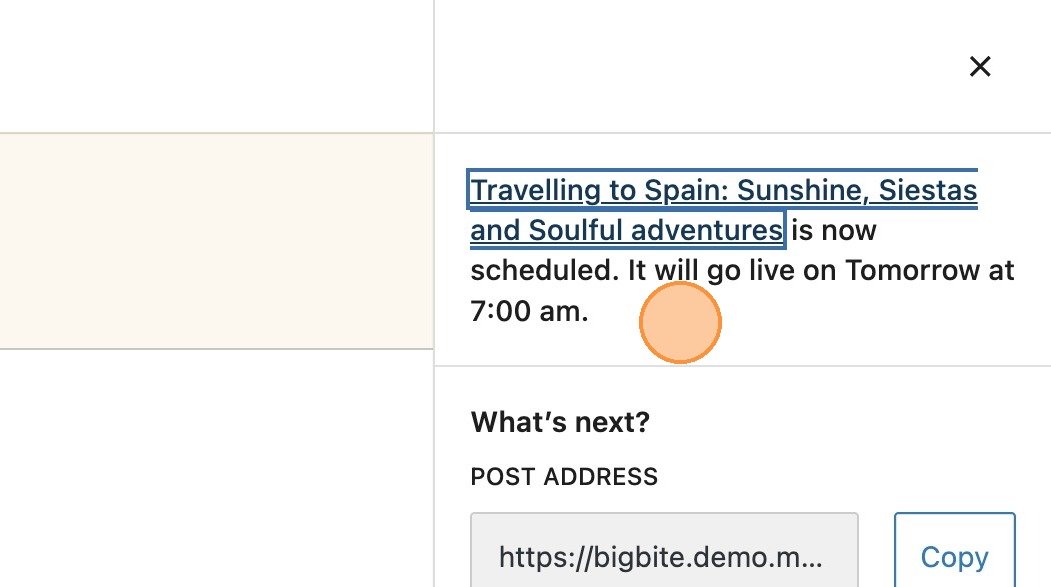
6. Once scheduled, you will see a notification with confirmation of your scheduled post.

Please note: It’s important to remember that this feature creates a duplicate of the original post. Once the scheduled changes are published, these merge back into the original post.

7. You will notice a banner notification at the top of the post. Clicking the button, will return you to the original post, which is currently the published version.