
Category: MediaPress Core
-
Strict Lock
–
By enabling the strict lock module, you can easily identify and take over posts being edited by others, ensuring collaborative efficiency without losing any changes.
-
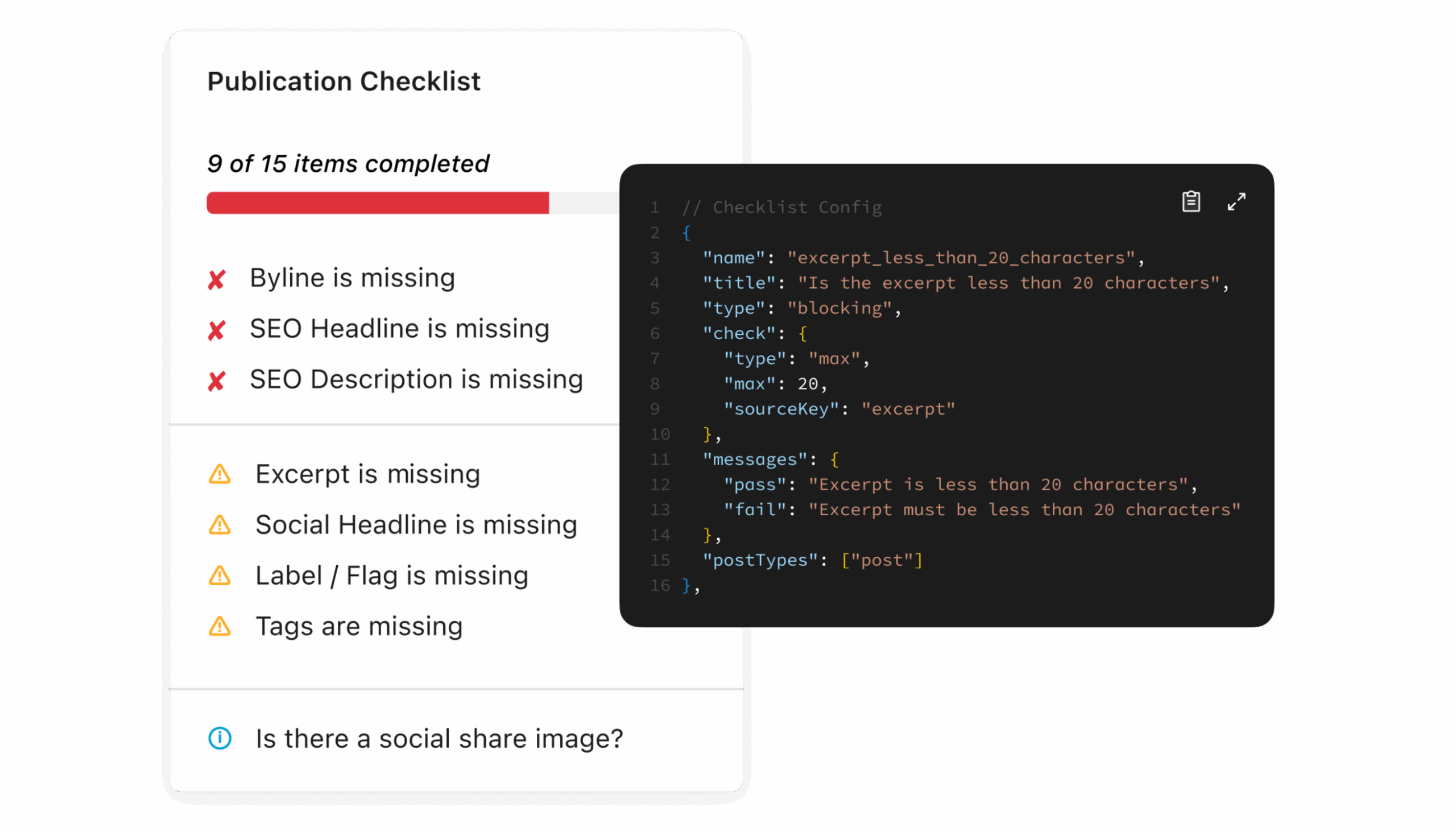
Checklist
–
Before publishing, it’s essential to make sure all components are ready. The Publication Checklist feature helps users verify that every required element is complete and accurate, reducing the risk of missing critical information during release.
-
Authors
–
The first step in managing media content is understanding the people behind it. The Author Management feature simplifies contributor management, ensuring that every author is correctly credited and their roles are clearly defined.
-
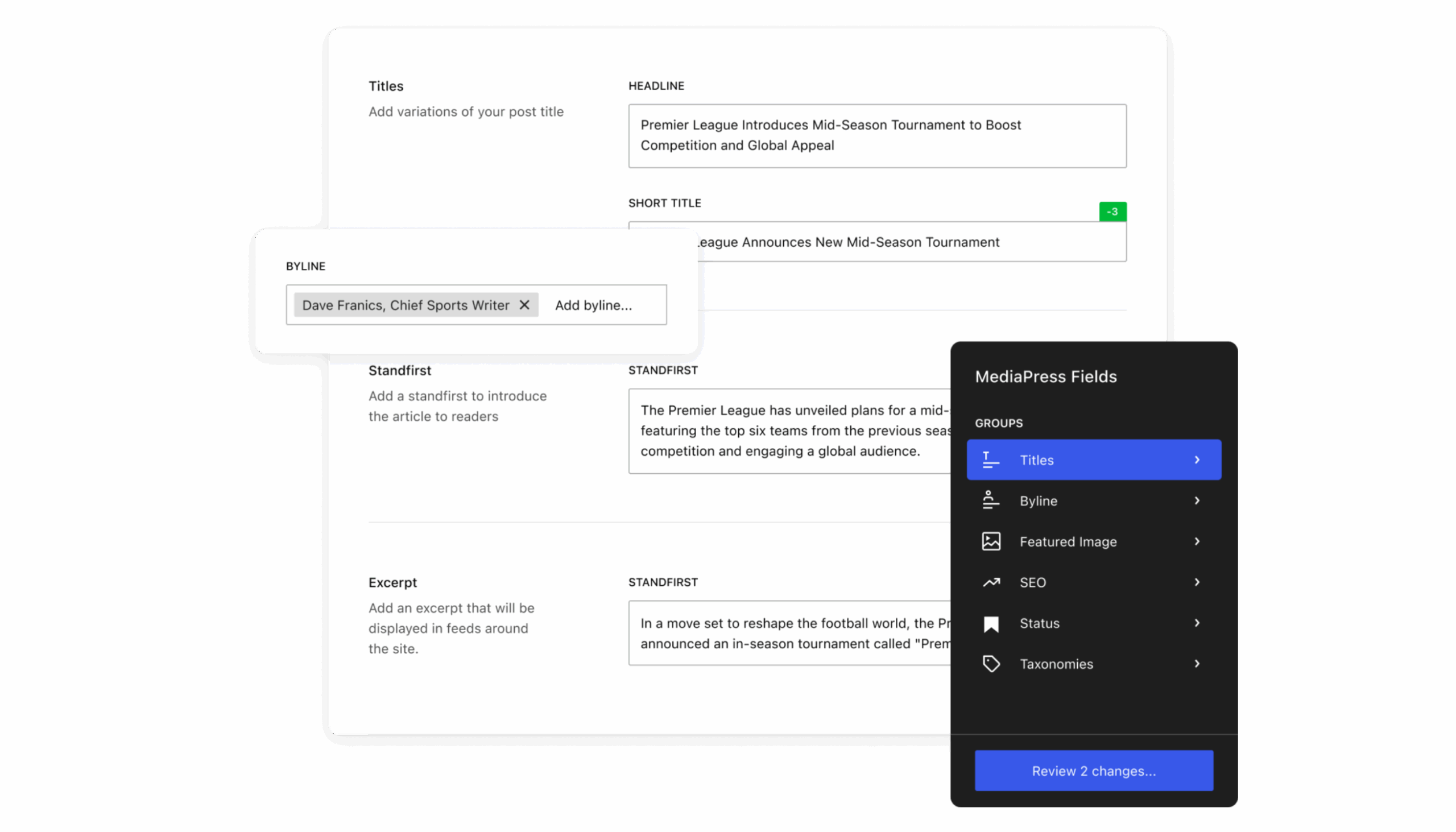
Fields
–
To tailor your media experience, the MediaPress Fields feature allows you to create and manage custom fields. This flexibility ensures that all relevant details can be captured and displayed exactly as needed.
-
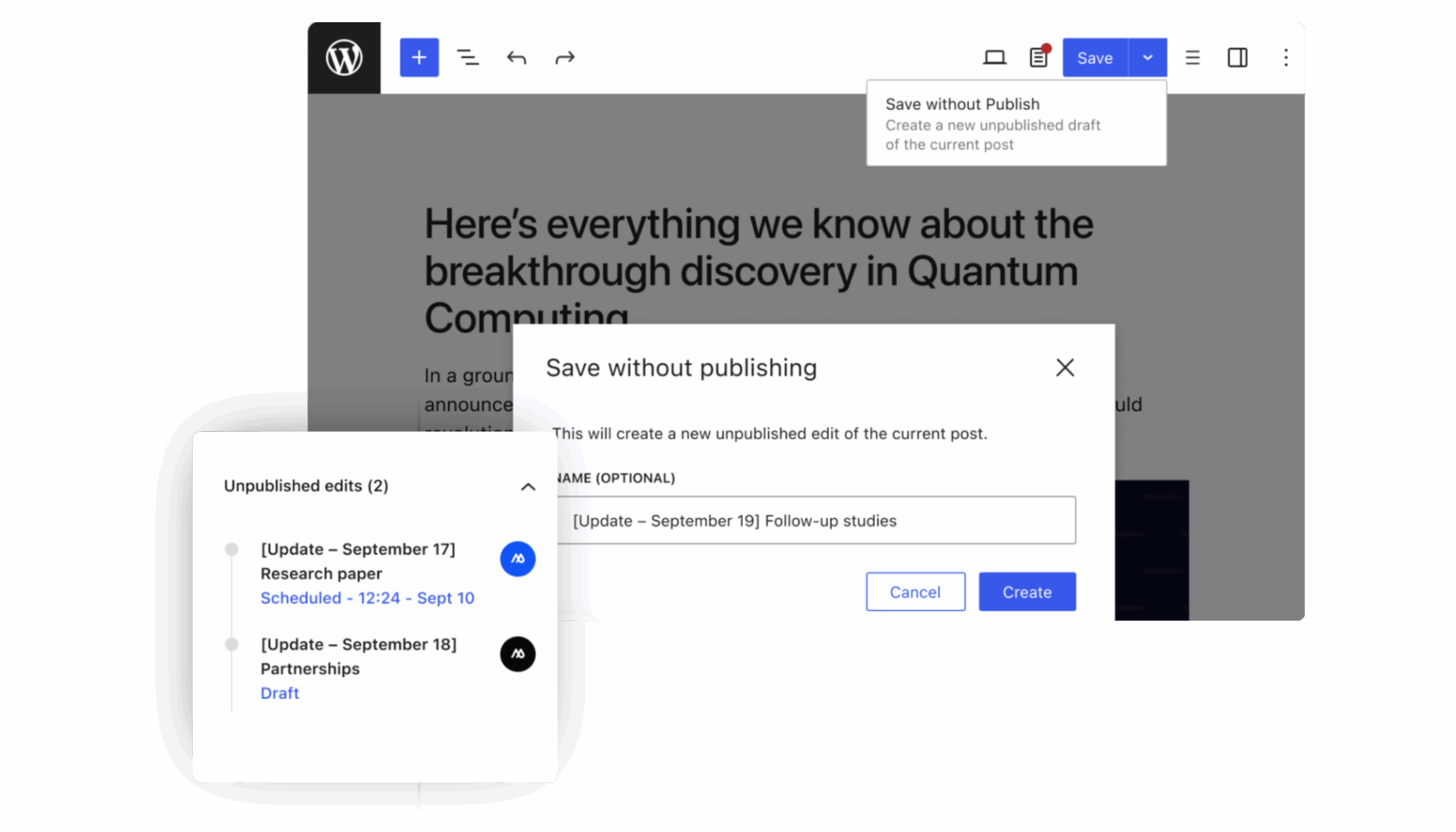
Workflow
–
This feature lets users save changes without publishing them immediately. This is especially useful in collaborative environments where multiple contributors make edits before final approval.
-
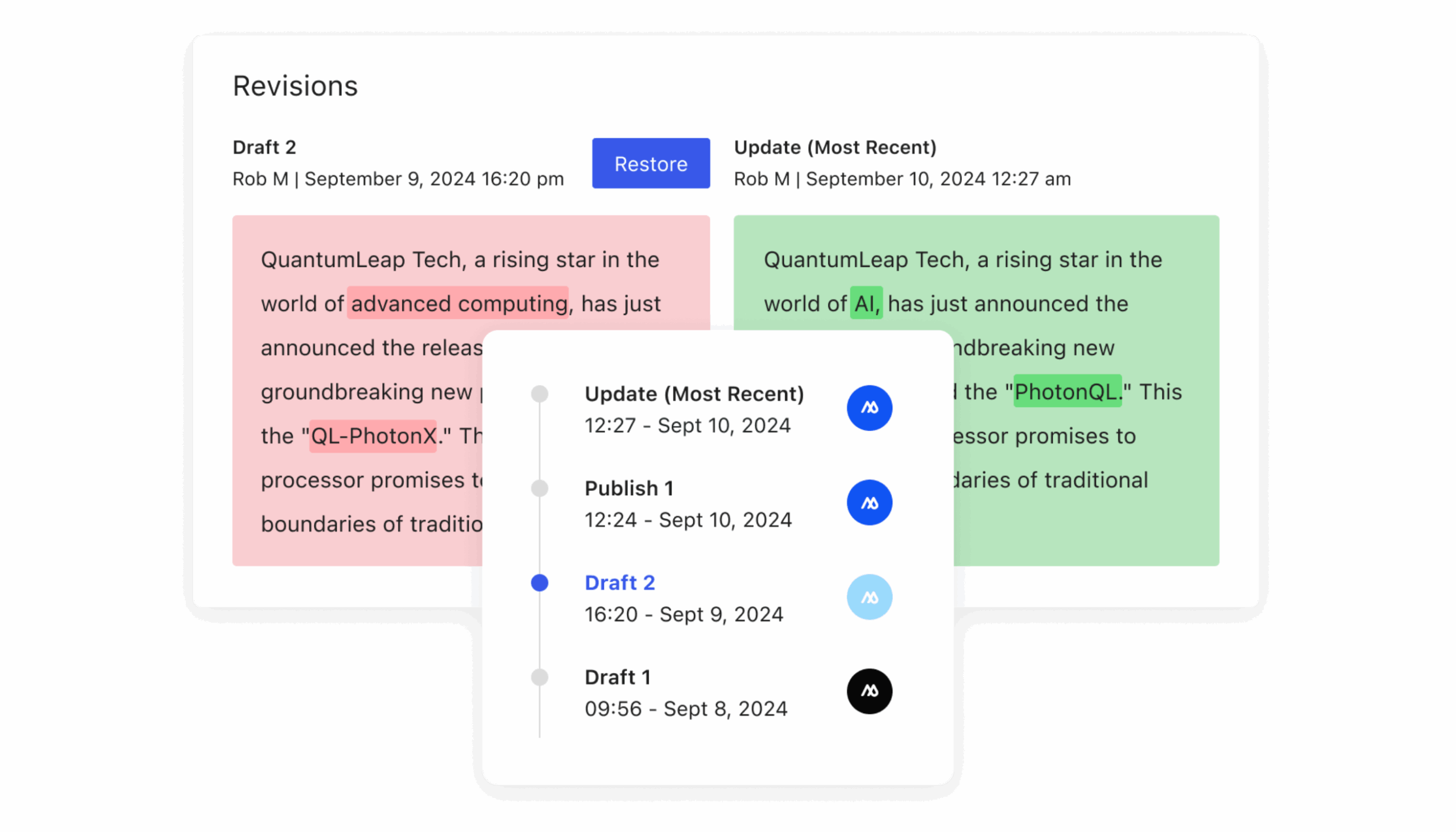
Revisions
–
To maintain content integrity, the Visual Revisions feature allows users to track changes made to media. This ensures the most recent modifications are documented, providing transparency and accountability throughout the editing process.
-
Media
–
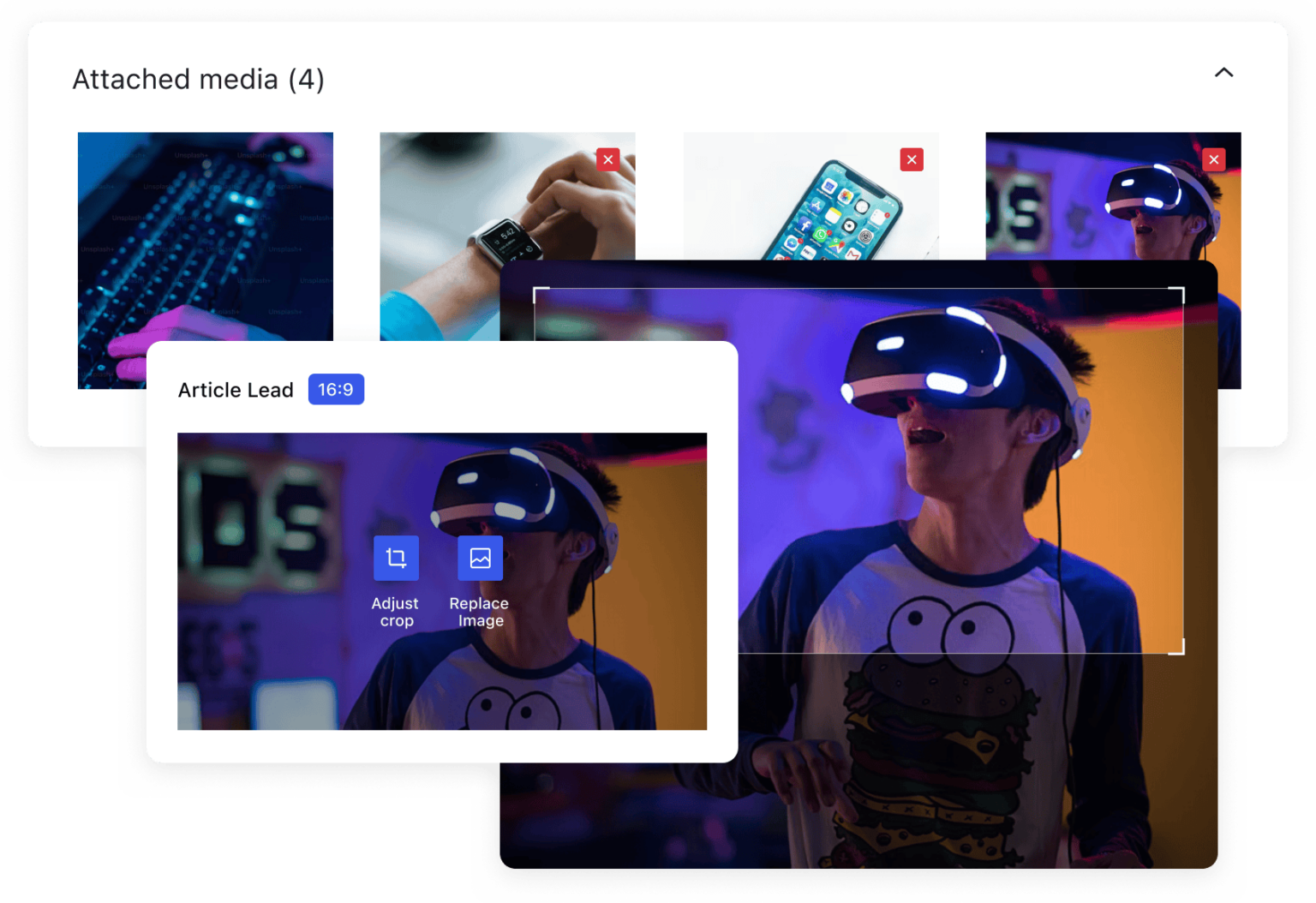
At the core of MediaPress is the Media Panel – the central hub for managing all media assets. It offers an organised interface for uploading, editing, and managing files efficiently, giving users complete control over their media library.
-
Linking
–
The Entity Linking feature enhances content connectivity by allowing you to associate related entities within media items. This functionality creates a richer, more cohesive experience by giving viewers context and access to related resources.
-
Comments
–
When working collaboratively, communication is key. Using MediaPress Comments editors can leave notes, ask questions, suggest edits, or spark discussions right in the WordPress editor, making communication effortless and immediate.